
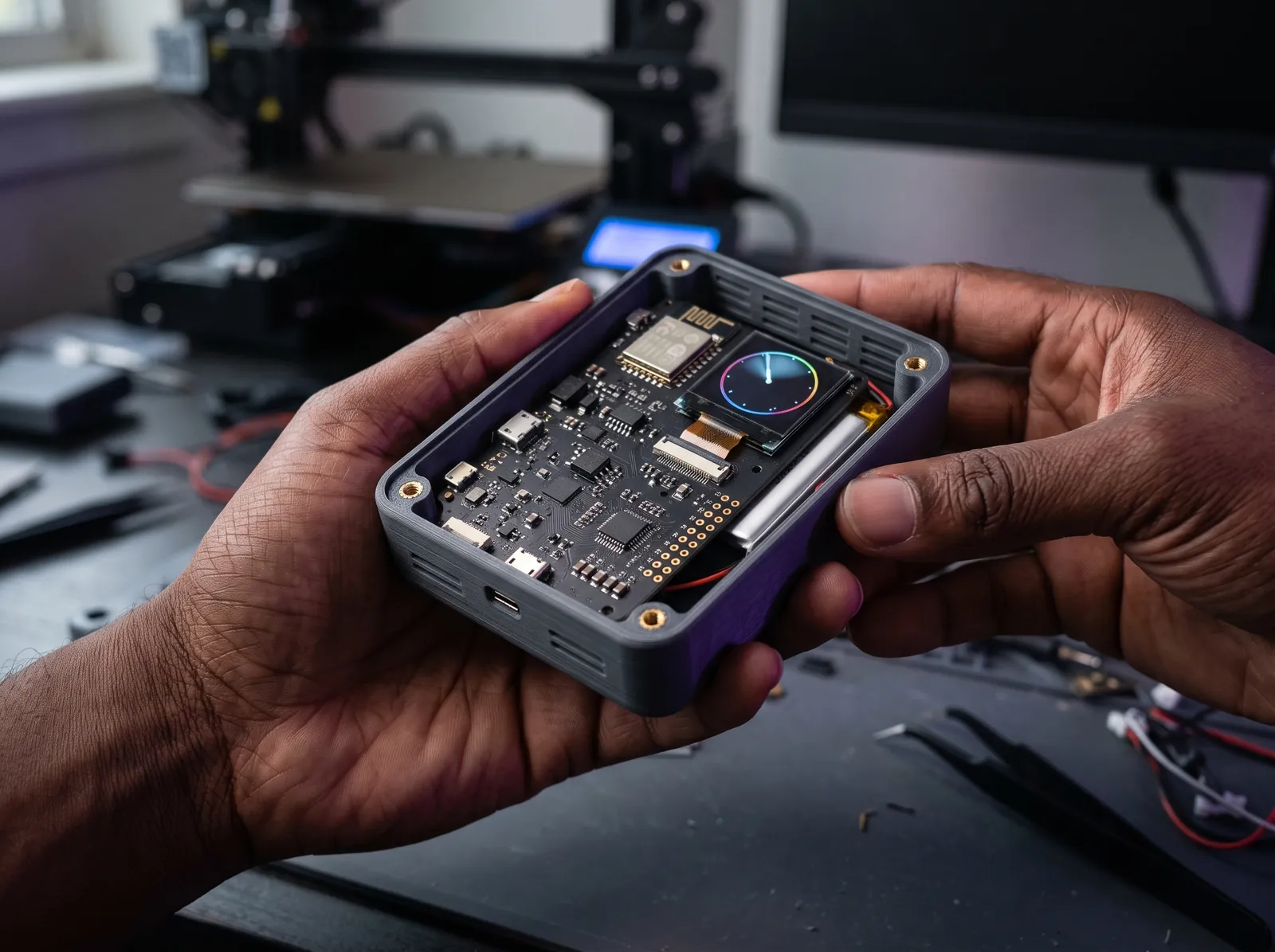
Describe the device.
Hold the part.
BuildOpStudio turns a plain-language request into a real 3D solid you can inspect, change and export. You approve every change the AI proposes, and you pay your AI provider directly.
AI hardware design on your own AI key · Free plan · No card needed
- Keys encrypted at restAES-256-GCM, bound to your workspace
- You approve every changeThe AI proposes; nothing applies itself
- No markup on AI usageYour provider bills you directly
- Real solid geometryBuilt and checked by a CAD kernel
From a sentence to the bench
Design it, check it, make it
One workspace takes you from a description to a file you can print or hand to another CAD tool.
Design
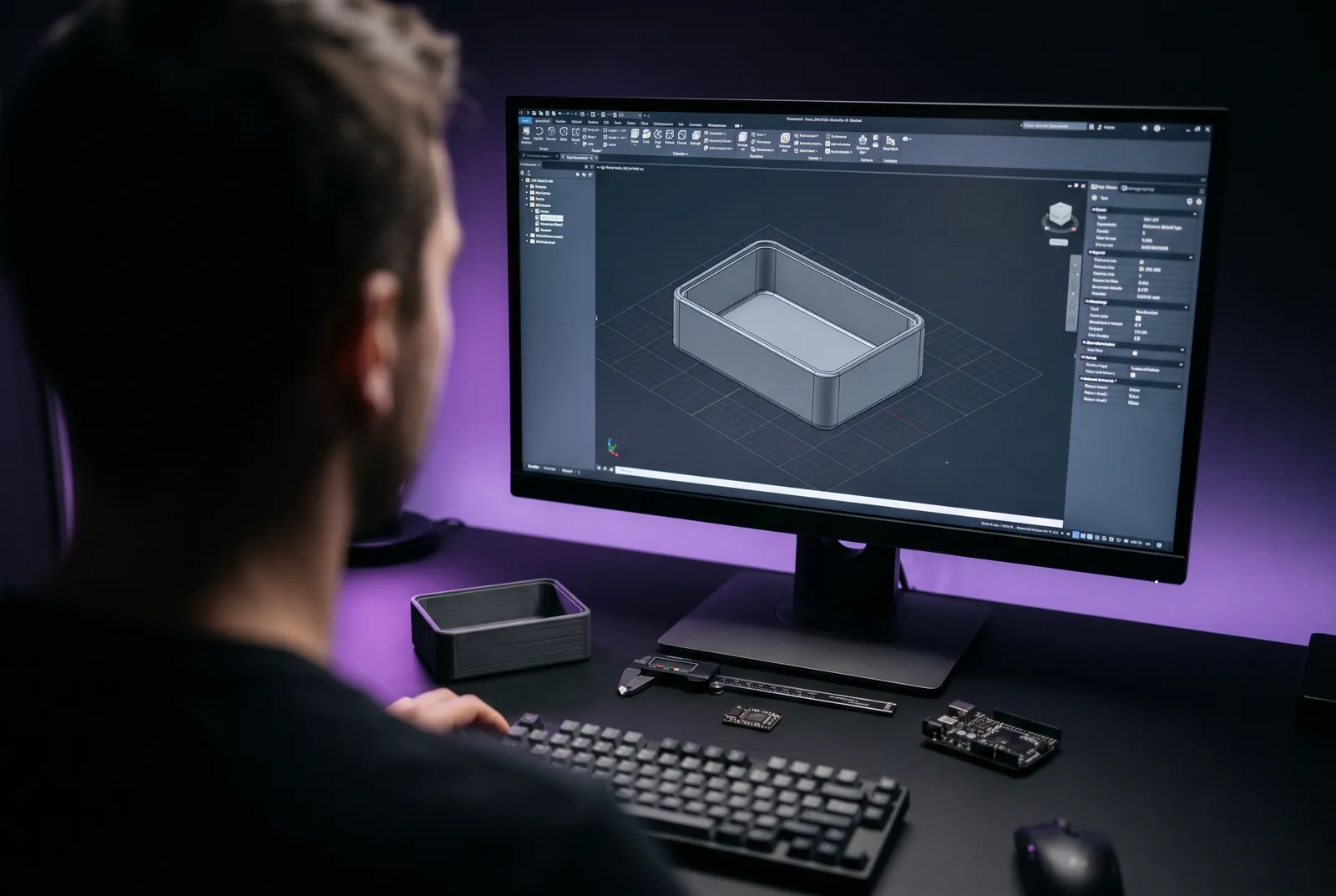
See the real part, not a picture of one
Every design is built by an OpenCascade geometry kernel into a true solid. Orbit it, switch to a top or front view, and read its exact size and volume.
- AI proposals are built in the kernel before you see them
- A change that cannot be built is refused with a plain reason
- Each approved change becomes a revision you can restore
Make
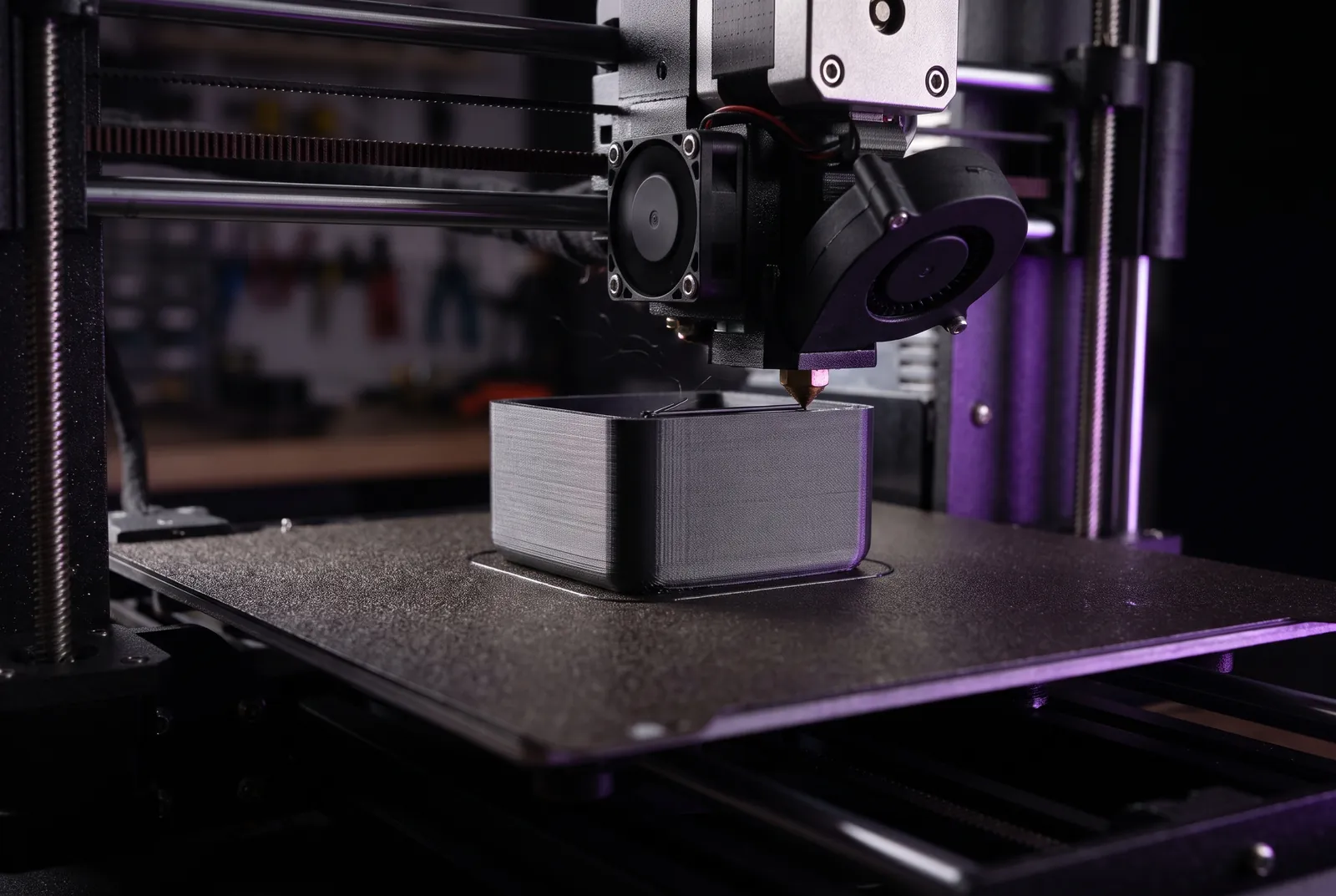
Take it to your printer or your CAD tool
Download STL for your slicer or STEP, the exact solid, for other CAD software, or take everything at once as a release package. The app tells you what it has verified and what it has not.
- A print check compares the part with your printer: bed size, height and wall thickness
- Overhangs measured for six orientations, with the one that needs the least support marked
- One release package: STEP, STL, bill of materials, netlist, board plan and firmware, each with a checksum
Control
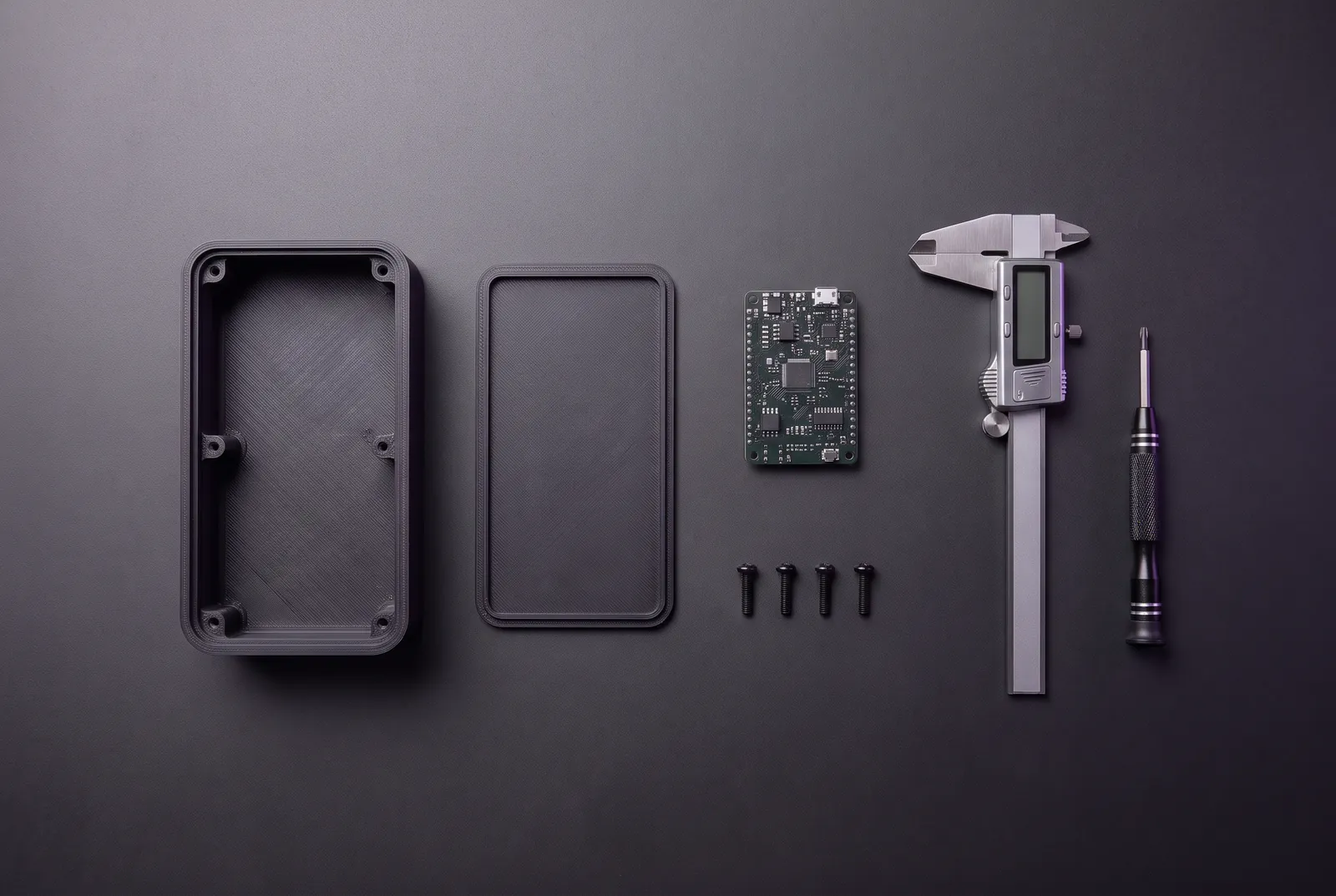
Your AI, your budget, your call
Connect the provider you already use on any plan, including Free. You see a cost estimate before each request and set the limits yourself.
- Monthly spend and request limits that stop requests before they are sent
- A different model for each kind of task, if you want
- Keys are tested, encrypted and never shown again
How it works
Three steps, and you approve each one
- 01
Connect your AI
Add a key from the provider you already use. We test it, encrypt it, and show you the models it can reach.
- 02
Describe what you need
“A 60 × 40 × 20 mm enclosure, 2 mm walls, open top, two M3 bosses.” You see the worst-case cost before anything is sent.
- 03
Review and apply
The proposal arrives already built as a solid, with its size and every assumption listed. Apply it, or discard it.
AI design assistant
A 60 × 40 × 20 mm enclosure with 2 mm walls, open top and two M3 mounting bosses
Proposed change Needs your approval
- AddbodyExtrudeProfile
- AddcavityShellSolid
- Addboss_leftAddMountingBoss
Assumed: 3 mm corner radius
A drawing of the project workspace: design tree, 3D view and proposal review.
Features
What you get today, and what is next
Available now means you can use it the moment you sign up.
Describe it in plain language
Sizes, wall thickness, mounting points. The assistant turns your request into typed, parametric operations.
A real 3D solid
An OpenCascade geometry kernel builds your features into a true solid you can orbit and measure.
Review before anything changes
Each proposal shows what it adds or changes and the assumptions behind it. Nothing applies itself.
STEP and STL export
The exact solid for other CAD tools, or a mesh for your slicer, from any revision.
Electronics and a board that fits
A drawn schematic with a rule check and a bill of materials, then a board outline and part positions checked against the inside of your enclosure.
Costs shown up front
A worst-case estimate before each request, with monthly limits and per-request caps that stop requests before they are sent.
In development
- SlicingToolpaths, bridging and print-time estimates.
- Constraints and assembliesDimension-driven sketches and multi-part fit.
- PCB routingRouted traces, a design-rule check and Gerber files.
- Firmware compile and flashBuild the generated firmware and load it onto the board.
Pricing
Simple plans. Your AI costs stay yours.
Every plan includes bring-your-own-key. Plan prices cover the platform; model usage is billed by your provider.
Free
Try the full workflow on your own projects.
$0 forever
- 3 projects
- 3 AI connections
- Bring your own AI keys
- 3D solid, STEP and STL export
- AI assistant with change review
- Spending limits and cost estimates
Maker
For makers with a steady stream of builds.
$12 per month
- 25 projects
- 10 AI connections
- Everything in Free
- Recommended
Pro
For engineers who live in the tool.
$29 per month
- Unlimited projects
- 25 AI connections
- Everything in Maker
Team
For small hardware teams.
From $79 per month
- Unlimited projects
- 50 AI connections
- Everything in Pro
- Shared team workspaces (in development)
Prices in US dollars. Online checkout is not connected yet: paid plans are requested from inside your account and activated once payment is arranged. Unlimited projects does not mean unlimited storage or compute.
FAQ
Questions people ask first
What can I do with BuildOpStudio today?
Create projects from a blank design or a starter template, edit them by hand without any AI provider, or connect your own AI provider and have the design assistant build and edit a parametric design (sketches, extrusions, shells, fillets, holes, connector openings, mounting bosses, a fitted lid). Each change is built into a real 3D solid you can inspect, you approve it before it is applied, and you can download the result as STEP or STL. You can also describe a circuit: the assistant places parts and connects their pins, a rule check flags electrical mistakes, and you get a bill of materials plus starter firmware with pin definitions taken from the circuit.
Can I export a file to print or open in other CAD software?
Yes. Download any design as STL for your slicer or as STEP, the exact solid, for other CAD tools. The app confirms the solid is valid and closed, and a print check compares its size and wall thickness with your printer and shows which way up needs the least support. It does not slice the part, so confirm the result in your slicer before printing.
What does “bring your own AI key” mean?
You connect an API key from a provider you already use. Requests go to that provider under your account, and they bill you directly. BuildOpStudio does not sell AI credits or add a margin to model usage.
Is my API key safe?
Keys are encrypted on our server and bound to your workspace. A key is tested before it is saved, is never displayed again, is never sent to your browser, and is kept out of logs. You can replace or revoke it at any time.
How do paid plans work right now?
Online checkout is not connected yet. You request a plan from inside your account and we contact you to arrange payment; your plan changes as soon as it is confirmed. You can stay on Free for as long as you like.
Which AI models work best?
Design changes need a model that supports tool calling. OpenRouter is the quickest way to start: one key gives you a choice of models, and you can pick a different model for each kind of task.

Start your first design in a few minutes
Create a free account, connect a key, and describe the part you have in mind.